
Elementor Pro 4.3.0
Download Elementor Pro 4.3.0 from nulled fire. Elementor Pro is the most advanced page builder for WordPress
- Author Apanha
- Creation date
- Featured
How to make the pro version active step by step
1- Create free account at
2- Install the plugin
3- Install the pro version you downloaded from here
4- Create a page
5- Click the folder icon to load the elementor content
6- Choose one random block and click Import
7- Here it will ask you to connect to your elementor account you created (step 1)
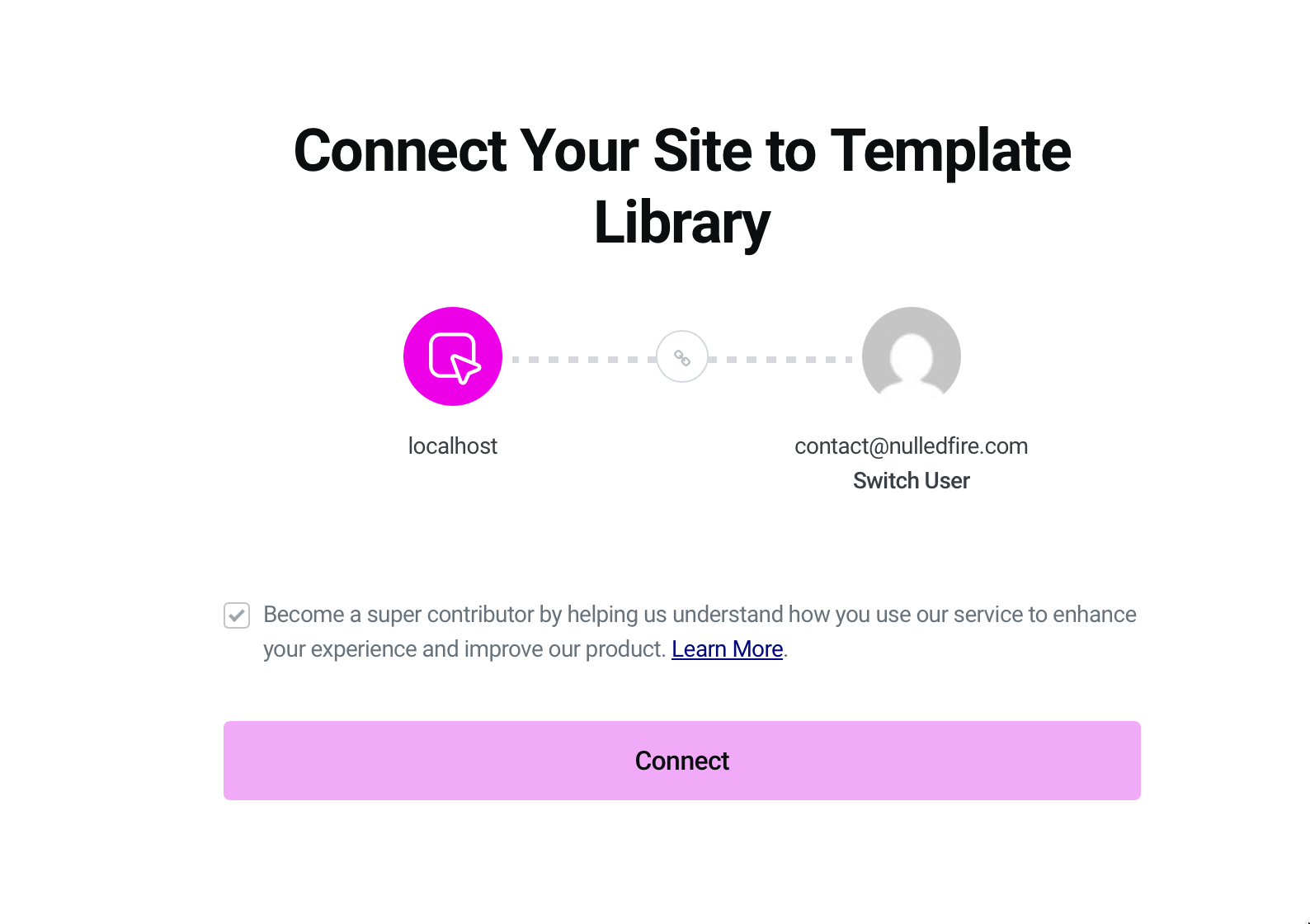
8- Click connect and that's it.
1- Create free account at
https://my.elementor.com/signup2- Install the plugin
https://wordpress.org/plugins/elementor/3- Install the pro version you downloaded from here
4- Create a page
/wp-admin/post-new.php?post_type=page and click Edit With Elementor5- Click the folder icon to load the elementor content
6- Choose one random block and click Import
7- Here it will ask you to connect to your elementor account you created (step 1)
8- Click connect and that's it.